Power Factor axis
Overview
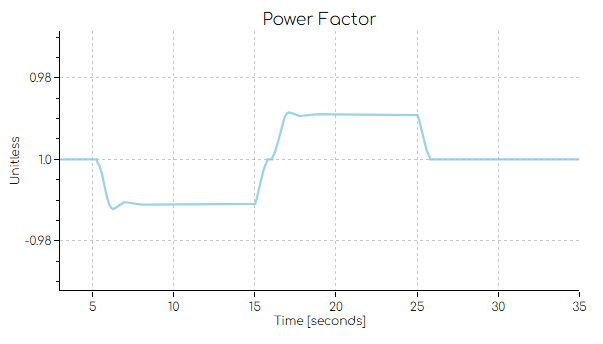
When plotting power factor, gridmo will automatically create special power factor axes as shown below.
How to use
When defining output channels, specify
CHANNEL_TYPE=PFto output power factor. This is not required For PSS®E Dynamic and PowerFactory Dynamic output commands that already specify theVAL=PFargument.
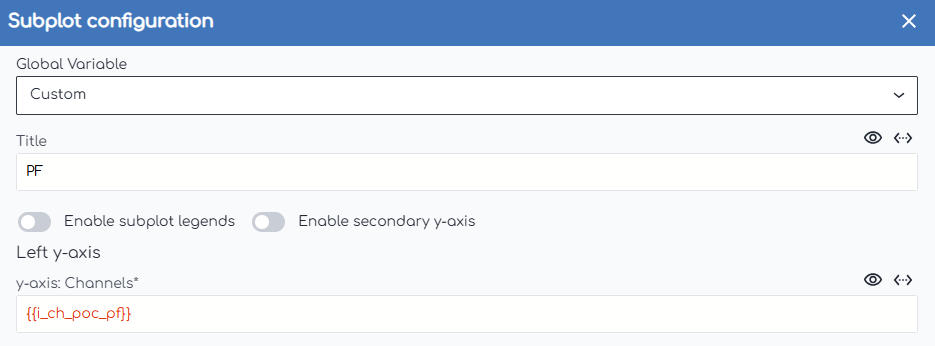
Use one of these channels in a Plot Node's subplot.
How to disable
To disable the power factor axis, you can set the pf.axis.enabled advanced parameter in the Plot Node to No.